Module hubspot.events.completions

ballerinax/hubspot.events.completions Ballerina library
Overview
HubSpot is a CRM platform that lets you track custom behavioral events for the contacts and objects in your account. The Events Send Event Completions API lets external systems report that a custom-defined event occurred, so that HubSpot workflows, reporting, and CRM timelines stay up to date with real-world activity happening outside of HubSpot.
The HubSpot Events Completions connector provides Ballerina bindings for the HubSpot Events Send API v3, allowing users to report custom behavioral event completions within their applications.
Key Features
- Report a single custom behavioral event occurrence to HubSpot in real time
- Submit a batch of up to 500 event occurrences in a single call
- Authenticate using HubSpot OAuth bearer tokens, including the current Service Key flow
Setup guide
To use this connector, you need a HubSpot access token authorized with the analytics.behavioral_events.send scope, and at least one existing custom event definition to report completions for.
Step 1: Create a Service Key
HubSpot is moving single-account API access from legacy Private Apps to Service Keys. Service Keys are currently in public beta and subject to change, but are HubSpot's recommended path going forward. To create one:
-
Log in to your HubSpot account.
-
Go to Settings > Account Setup > Integrations > Service Keys, and click Create service key.
-
Give it a name (e.g.
hubspot-events-completions), then click Add new scope and search forbehavioral_events.send. Selectanalytics.behavioral_events.send.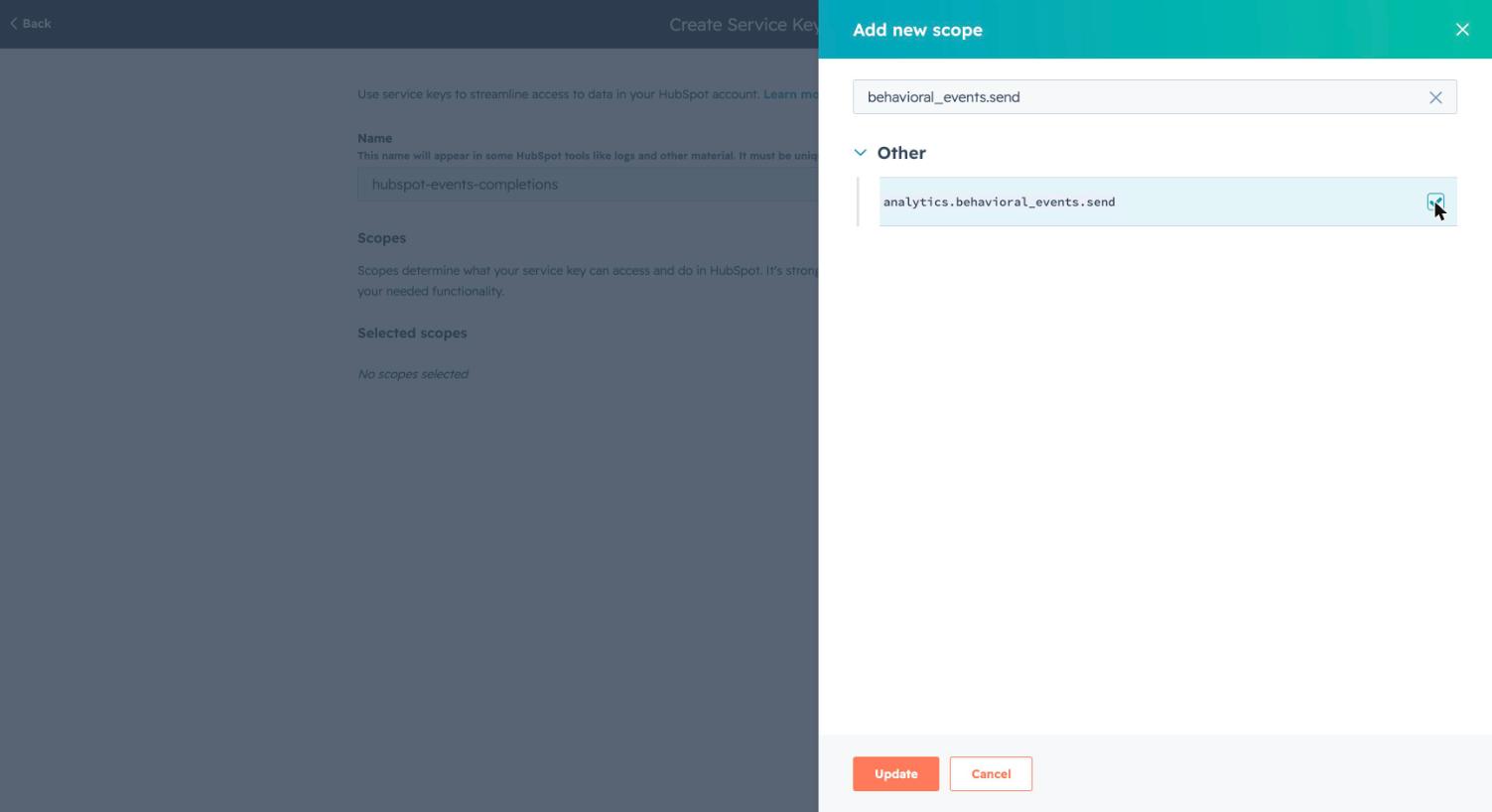
-
Click Create. Copy the generated service key — this is the bearer token the connector uses to authenticate. Treat it like a password; it is only shown in full once.
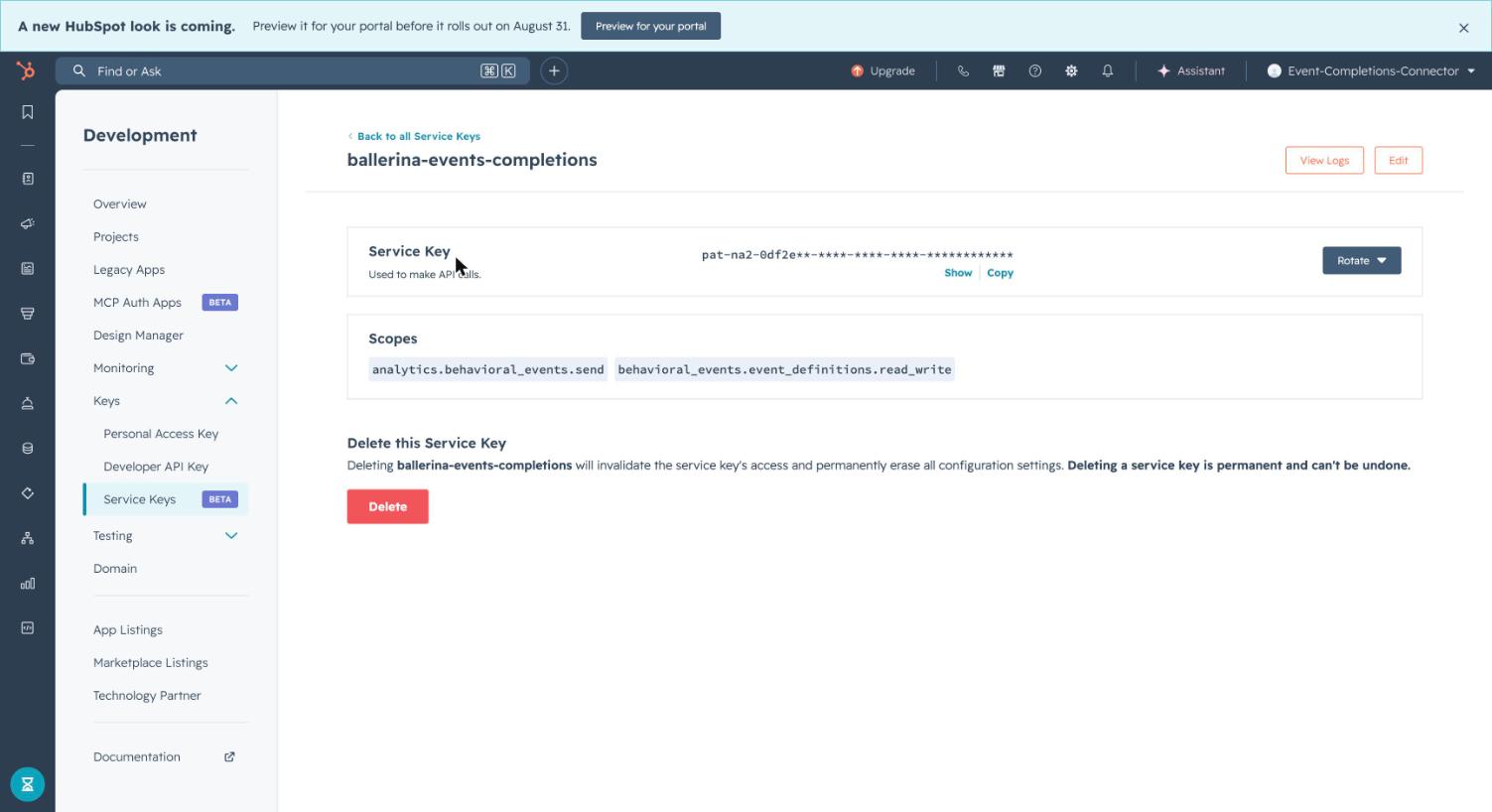
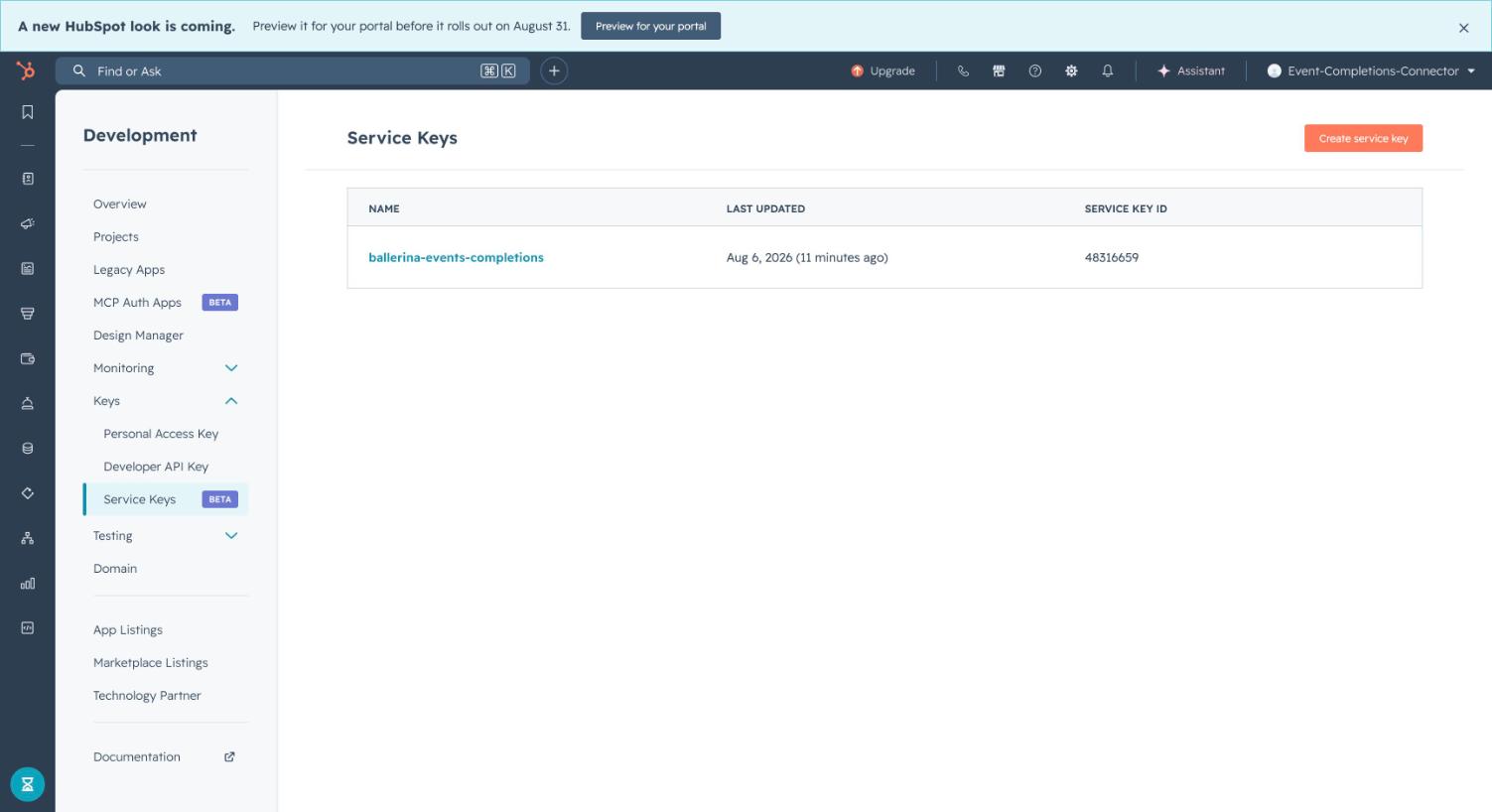
All your service keys are listed under Service Keys for future reference:
Note: The
analytics.behavioral_events.sendscope is available to Professional or Enterprise HubSpot accounts. If your account doesn't have access to it, a HubSpot developer test account can be used to test against this API without a paid subscription.
Step 2: Create a custom event definition
The Send Event Completions API only reports occurrences of events that already exist in your account — it does not create the event definition itself. Before calling sendEvent/sendEventBatch, create one:
- Go to Reports > Analytics Tools > Custom Events, then Create an event > Create custom event.
- Choose Send via API as the setup type, since this connector reports completions programmatically rather than from a tracked webpage.
- Fill in the event name and any properties you plan to send (e.g.
amount), link it to the Contacts object, and finish the wizard. - Note the internal tracking ID shown on the last step (format
pe<hub-id>_<event-name>, e.g.pe12345678_purchase_completed) — this is the value to use aseventNameinEventOccurrence/BatchEventOccurrence.
Quickstart
To use the hubspot.events.completions connector in your Ballerina application, update the .bal file as follows:
Step 1: Import the module
import ballerinax/hubspot.events.completions;
Step 2: Instantiate a new connector
configurable string accessToken = ?; completions:Client hubspotEvents = check new ({ auth: {token: accessToken} });
Step 3: Invoke the connector operation
public function main() returns error? { completions:EventOccurrence event = { eventName: "pe1234_purchase_completed", email: "customer@example.com", properties: {"amount": "149.99"} }; check hubspotEvents->sendEvent(event); }
Examples
The hubspot.events.completions connector provides practical examples illustrating usage in various scenarios. Explore these examples, covering the following use cases:
- Track customer purchase events — Send a single purchase event in real time, then batch-report a set of accumulated page-view events.
Clients
hubspot.events.completions: Client
Send single or batched custom behavioral event occurrences to HubSpot for existing event definitions.
Constructor
Gets invoked to initialize the connector.
init (ConnectionConfig config, string serviceUrl)- config ConnectionConfig - The configurations to be used when initializing the
connector
- serviceUrl string "https://api.hubapi.com/events/v3/send" - URL of the target service
sendEvent
Send a custom event occurrence
Parameters
- payload EventOccurrence - Event name, contact identifier, timestamp, and custom properties for one event occurrence
sendEventBatch
function sendEventBatch(BatchEventOccurrence payload, map<string|string[]> headers) returns Response|errorSend a batch of event occurrences
Parameters
- payload BatchEventOccurrence - A list of individual event completion requests to submit together as one batch
Records
hubspot.events.completions: BatchEventOccurrence
Fields
- inputs EventOccurrence[] -
hubspot.events.completions: ClientHttp1Settings
Provides settings related to HTTP/1.x protocol.
Fields
- keepAlive KeepAlive(default http:KEEPALIVE_AUTO) - Specifies whether to reuse a connection for multiple requests
- chunking Chunking(default http:CHUNKING_AUTO) - The chunking behaviour of the request
- proxy? ProxyConfig - Proxy server related options
hubspot.events.completions: ConnectionConfig
Provides a set of configurations for controlling the behaviours when communicating with a remote HTTP endpoint.
Fields
- auth BearerTokenConfig|OAuth2RefreshTokenGrantConfig - Configurations related to client authentication
- httpVersion HttpVersion(default http:HTTP_2_0) - The HTTP version understood by the client
- http1Settings? ClientHttp1Settings - Configurations related to HTTP/1.x protocol
- http2Settings? ClientHttp2Settings - Configurations related to HTTP/2 protocol
- timeout decimal(default 60) - The maximum time to wait (in seconds) for a response before closing the connection
- forwarded string(default "disable") - The choice of setting
forwarded/x-forwardedheader
- poolConfig? PoolConfiguration - Configurations associated with request pooling
- cache? CacheConfig - HTTP caching related configurations
- compression Compression(default http:COMPRESSION_AUTO) - Specifies the way of handling compression (
accept-encoding) header
- circuitBreaker? CircuitBreakerConfig - Configurations associated with the behaviour of the Circuit Breaker
- retryConfig? RetryConfig - Configurations associated with retrying
- responseLimits? ResponseLimitConfigs - Configurations associated with inbound response size limits
- secureSocket? ClientSecureSocket - SSL/TLS-related options
- proxy? ProxyConfig - Proxy server related options
- validation boolean(default true) - Enables the inbound payload validation functionality which provided by the constraint package. Enabled by default
- laxDataBinding boolean(default true) - Enables relaxed data binding on the client side. When enabled,
nilvalues are treated as optional, and absent fields are handled asnilabletypes. Enabled by default.
hubspot.events.completions: EventOccurrence
Fields
- occurredAt? string - The time when this event occurred. If this isn't set, the current time will be used.
- eventName string - The event's fully qualified name. This value (formatted as
pe{HubID}_{name}) can be retrieved through the event definitions API or in HubSpot's UI.
- utk? string - The visitor's usertoken. Used for associating the event data with a CRM record.
- uuid? string - Include a universally unique identifier to assign a unique ID to the event occurrence. Can be useful for matching data between HubSpot and other external systems.
- email? string - The visitor's email address. Used for associating the event data with a CRM record.
- objectId? string - The ID of the record for which the event occurred (e.g., contact ID or visitor ID).
- properties record { string... } - The event properties to update. Takes the format of key-value pairs (property internal name and property value). Learn more about HubSpot's default event properties.
hubspot.events.completions: OAuth2RefreshTokenGrantConfig
OAuth2 Refresh Token Grant Configs
Fields
- Fields Included from *OAuth2RefreshTokenGrantConfig
- refreshUrl string(default "https://api.hubapi.com/oauth/v1/token") - Refresh URL
hubspot.events.completions: ProxyConfig
Proxy server configurations to be used with the HTTP client endpoint.
Fields
- host string(default "") - Host name of the proxy server
- port int(default 0) - Proxy server port
- userName string(default "") - Proxy server username
- password string(default "") - Proxy server password